
Download Chibi AI – AI‑Powered Content Creation Tool for Writers
Overview
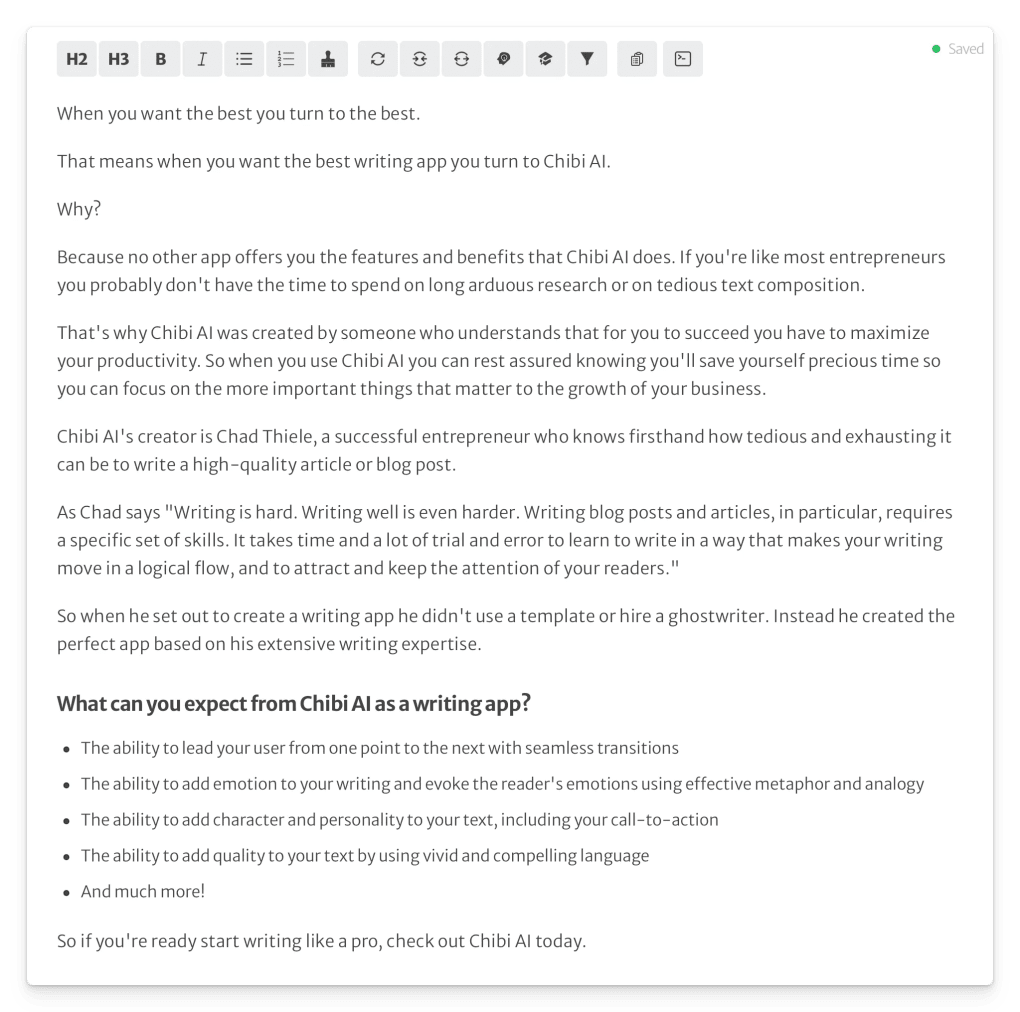
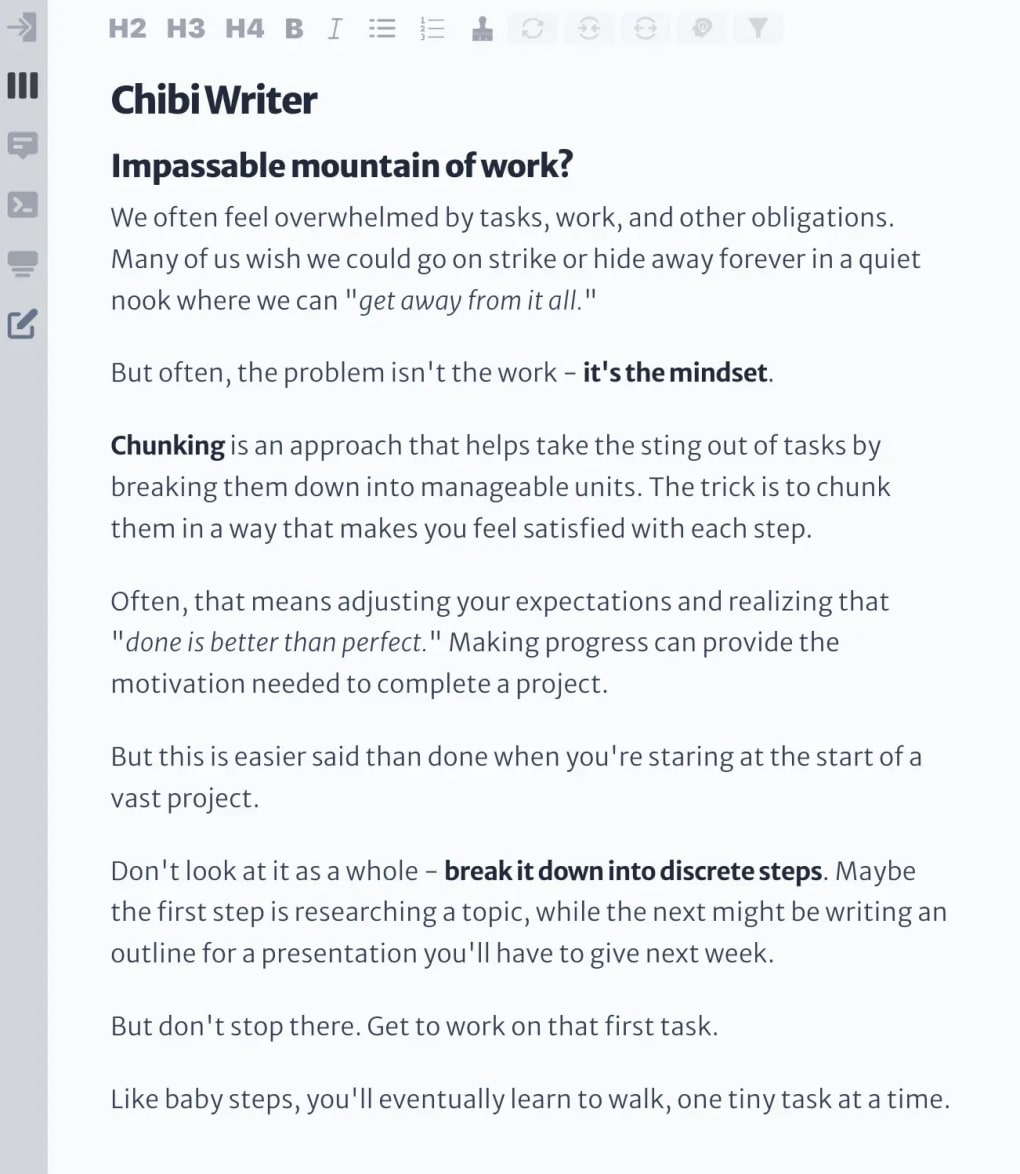
Chibi AI is a web‑based, AI‑driven content creation platform that blends sophisticated natural‑language processing with a suite of writer‑centric tools. Designed for both seasoned copywriters and budding authors, the software delivers real‑time grammar checks, readability scoring, and automated SEO recommendations—all without the steep learning curve of traditional plugins like Yoast SEO. What sets Chibi AI apart is its human‑first design philosophy: the algorithms are trained by professional editors who understand the nuances of tone, audience intent, and storytelling structure. This results in a tool that doesn’t just correct errors but actively inspires new ideas, suggests strategic headings, and even drafts HTML meta tags on demand. Whether you’re drafting a blog post, crafting a landing‑page copy, or polishing an academic manuscript, Chibi AI offers a one‑stop solution that keeps quality, readability, and targeted SEO goals within easy reach. The platform also includes an extensive library of tutorials, making it simple for novices to master advanced features such as tone modulation, keyword density control, and AI‑generated outlines. In short, Chibi AI provides a secure, cloud‑based environment where writers can focus on creativity while the software handles the technical heavy lifting.
Key Features & Capabilities
- AI‑Generated Outlines & Drafts: Input a topic, select a tone, and let Chibi AI produce a structured outline or a full‑length draft in seconds.
- Smart Tone & Voice Controls: Adjust parameters such as conversational, formal, persuasive, or empathetic to match your brand’s voice.
- Automated SEO Guidance: Real‑time suggestions for keyword placement, meta titles, meta descriptions, and schema markup.
- Readability & Grammar Engine: Combines classic proofreading with contextual suggestions, surpassing tools like Hemingway Editor.
- HTML & Structured Data Insertion: Automatically generate HTML tags, alt attributes, and JSON‑LD snippets without manual coding.
- Customizable Content Strategies: Define audience motivations, pain points, and fears; the AI tailors content to address them directly.
- Extensive Tutorial Hub: Video walkthroughs, written guides, and community webinars for all skill levels.
- Secure Cloud Storage: All drafts are saved encrypted on the platform, with version history and export options (DOCX, PDF, Markdown).
- Cross‑Platform Accessibility: Works on any modern browser, with mobile‑optimized UI for Android and iOS devices.
- Continuous Updates: Monthly AI model improvements and new feature releases keep the tool future‑proof.
Beyond the checklist above, Chibi AI’s “smart parameters” allow writers to input nuanced details—such as a target persona’s demographic data or specific marketing objectives—so the AI can deliver hyper‑personalized copy suggestions. The platform also integrates with popular CMSs via API, enabling seamless publishing directly to WordPress, Webflow, or Shopify. For teams, a collaborative workspace lets multiple editors comment, approve, or reject AI‑generated content, ensuring that brand guidelines are consistently upheld. In practice, users report up to a 40% reduction in time spent on the drafting phase and a noticeable lift in engagement metrics after implementing AI‑optimized headlines and calls‑to‑action.
Installation, Usage & Compatibility
Getting Started – No Download Required
Because Chibi AI is fully web‑based, there is no traditional installation process. Simply visit chibiai.com, create a free account, and you’ll be greeted with a dashboard that guides you through the initial setup. The onboarding wizard asks you to define your primary content goals (blogging, e‑commerce, academic writing) and preferred language style, after which the AI tailors its suggestions accordingly.
Step‑by‑Step Workflow
- Create a New Project: Click “New Document,” select a template (e.g., blog post, product description), and enter your target keyword.
- Set Parameters: Choose tone, audience persona, and any specific constraints (word count, brand guidelines).
- Generate Outline: The AI proposes a logical structure with headings and sub‑headings. Accept or edit as needed.
- Write or Auto‑Fill: Start typing or let the AI fill sections automatically. Real‑time suggestions appear on the right sidebar.
- Optimize SEO: Click “SEO Check” to receive meta‑title, meta‑description, and schema recommendations.
- Export or Publish: Export to DOCX, PDF, or Markdown, or use the built‑in CMS connector to publish directly.
Operating System Compatibility
Chibi AI runs on any device with a modern web browser, including Windows 10/11, macOS Monterey and later, Chrome OS, Android 8.0+, and iOS 13+. Because the platform is cloud‑hosted, performance is consistent across desktop, laptop, tablet, or smartphone, making it ideal for writers on the go.
System Requirements & Security
The only requirement is an internet connection with at least 5 Mbps bandwidth for optimal AI response times. All data transmission is encrypted via HTTPS, and user content is stored in GDPR‑compliant servers with regular backups. For teams, two‑factor authentication (2FA) can be enabled to add an extra layer of security.
Pros and Cons
Advantages
- Intuitive UI that requires virtually no learning curve.
- AI-generated SEO metadata saves hours of manual research.
- Customizable tone and audience parameters for highly targeted copy.
- Automatic HTML and schema tag creation eliminates technical bottlenecks.
- Cross‑platform accessibility ensures you can write anywhere.
- Regular model updates keep the AI current with search engine algorithms.
Drawbacks
- Reliance on an internet connection; offline work is not possible.
- Advanced AI features are locked behind a premium subscription.
- While the AI is strong in English, support for other languages is still limited.
- Initial setup of custom audience personas may take extra time for new users.
Frequently Asked Questions
Is Chibi AI free to use?
Chibi AI offers a free tier with limited daily word count and basic SEO suggestions. For unlimited access, premium plans start at $19.99 per month.
Can I integrate Chibi AI with WordPress?
Yes. Chibi AI provides an API key and a dedicated WordPress plugin that lets you push AI‑optimized content directly to your posts or pages.
How does Chibi AI handle data privacy?
All user data is encrypted in transit and at rest. The platform complies with GDPR and CCPA, and you can delete your data permanently from the dashboard.
Does the AI support languages other than English?
Currently, Chibi AI’s most advanced features are available for English. Beta support for Spanish and French is planned for Q2 2026.
Can I use Chibi AI offline on a laptop?
No. Because the AI models run on cloud servers, an active internet connection is required for generation and optimization tasks.
Conclusion & Call to Action
Chibi AI bridges the gap between creative writing and technical SEO, offering a seamless, secure, and highly customizable environment for anyone who produces online content. Its AI‑driven suggestions not only catch grammatical slip‑ups but also enhance readability, boost search rankings, and generate HTML markup—all with a few clicks. While the reliance on an internet connection and the premium price for advanced features may be considerations, the time savings and quality uplift are compelling enough for professionals and hobbyists alike.
If you’re ready to elevate your writing workflow, reduce manual SEO work, and unleash a new level of creativity, sign up for Chibi AI today. Start with the free tier, explore the tutorials, and experience how an AI‑powered assistant can transform your content from good to great.



.png)



